Computer Vision Onramp - Part 5 - Object Tracking and Kalman Filters
Finalizing the tracking workflow and earning the course certificate.
Computer Vision Onramp - Part 5 - Object Tracking and Kalman Filters
Object Tracking
Why Kalman Filters?
Tracking by detection uses a detector and a Kalman filter to follow objects. The filter predicts where an object will be, which is crucial for handling occlusions (when an object is temporarily hidden).
Initialize a Kalman Filter
To set up a Kalman filter, you define assumptions about motion:
- Motion Model: “ConstantVelocity” for the turtle.
- Initial Location: Centroid of the first detection:
[xmin + width/2, ymin + height/2]. - Measurement Noise: Variance in centroid measurement (e.g., 100).
- Motion Noise: Deviation from the model (e.g.,
[1 25]for location/velocity). - Initial Estimate Error: Allows the filter to adjust quickly initially (e.g.,
[1 25]).
1
kf = configureKalmanFilter(motionModel, initialLoc, initialError, motionNoise, measurementNoise);
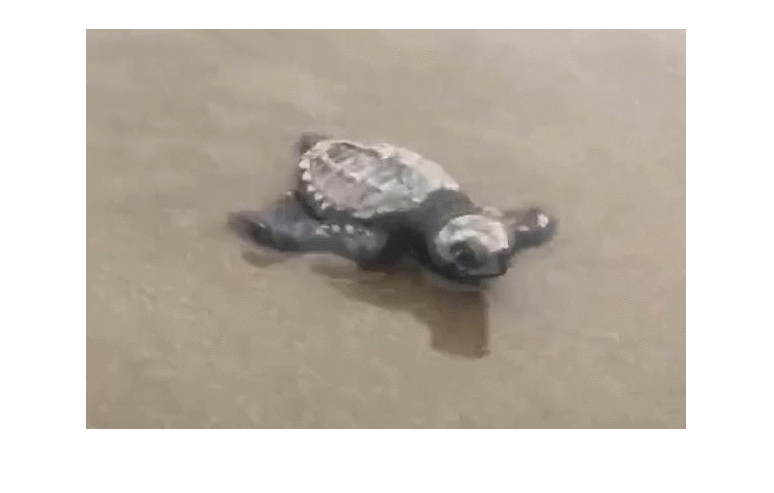
Track a Single Object: Predict, Detect, Correct
The workflow for each frame:
- Predict: Where should the object be now?
- Detect: Run the detector.
- Correct: If detected, refine the filter with the actual location.
1
2
3
4
5
6
7
8
9
10
11
12
13
14
15
16
while hasFrame(turtleVideo)
    trackedLoc = predict(kf);
    frame = readFrame(turtleVideo);
    [bbox, score] = detect(detector, frame);

    if ~isempty(bbox)
        strongestBbox = selectStrongestBbox(bbox, score, NumStrongest=1);
        centroid = [strongestBbox(1)+strongestBbox(3)/2 strongestBbox(2)+strongestBbox(4)/2];
        trackedLoc = correct(kf, centroid);
    end

    % Red circle for tracked location, Green for detection
    frame = insertShape(frame, "filled-circle", [trackedLoc 20], Color="red");
    imshow(frame)
    drawnow
end
Achievement Certificate
Congratulations on completing the Computer Vision Onramp!

This post is licensed under CC BY 4.0 by the author.