Computer Vision Onramp - Part 2 - Image Features and Matching
Detecting and extracting distinctive patterns (features) from images.
Image Features in Computer Vision
What Are Features?
In computer vision, features are distinctive patterns or characteristics within an image, such as edges, corners, and blobs.
Computers understand an image as an array of pixels. Individually, pixels are both too much and too little information. Too much because a single image could have millions of pixels. Too little because pixel-level information isn’t descriptive enough. Feature detection algorithms scan images for patterns of variation. Instead of all the pixels, you get a list of pixel locations with a distinctive pattern.
Identify Features of a Turtle
First, create a reference image by cropping a frame around the object: 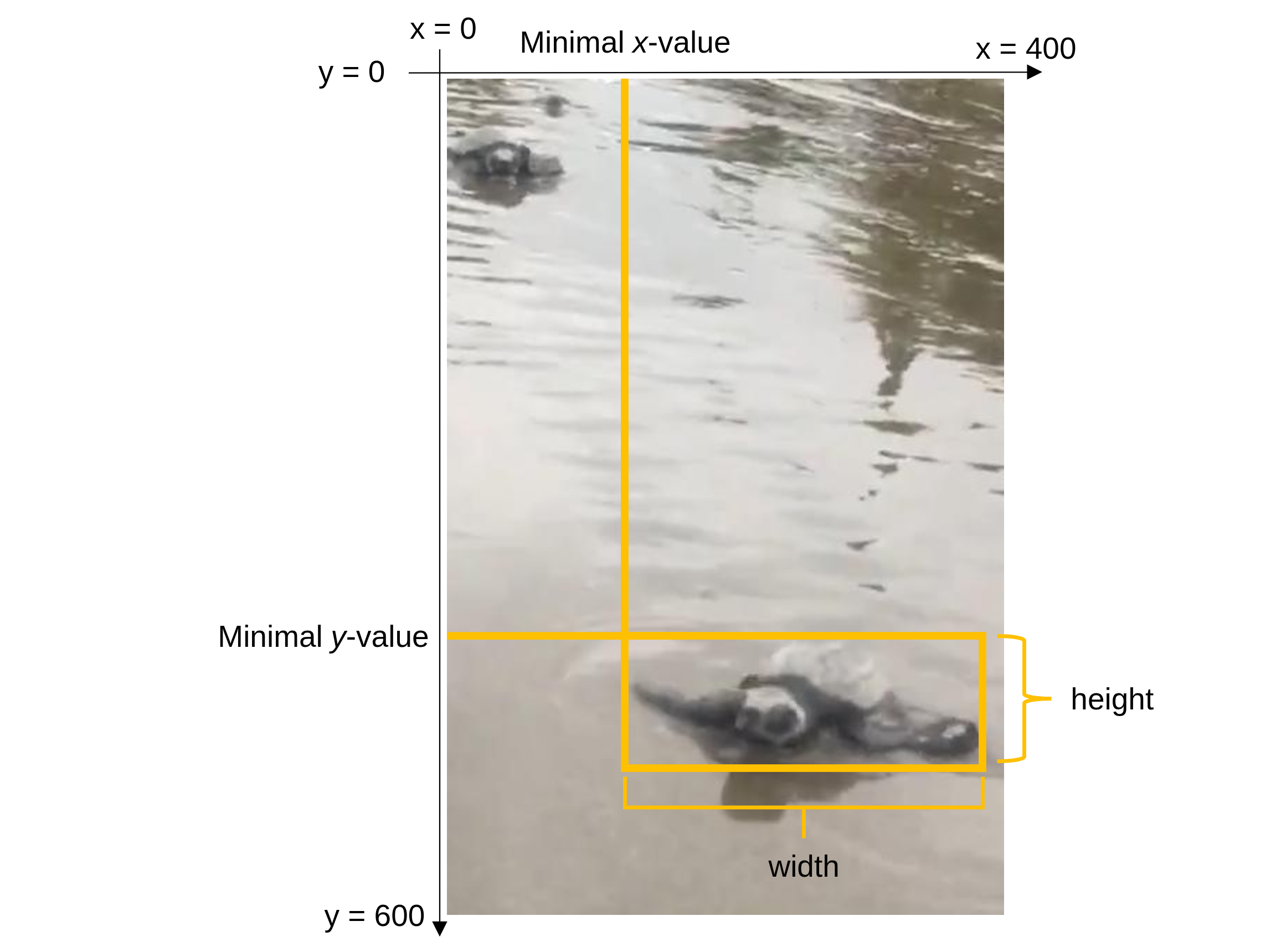
1
2
3
% Rectangle format: [xmin ymin width height]
turtle = imcrop(frame, [0 170 250 100]);
imshow(turtle);
Convert to grayscale for feature extraction:
1
2
turtleGS = im2gray(turtle);
frameGS = im2gray(frame);
Detection and Extraction
Identifying features is a two-part process:
- Detection: Identify points of interest (e.g., SIFT features).
- Extraction: Get the descriptors for those points.
1
2
3
4
5
6
7
points = detectSIFTFeatures(turtleGS);
[features, featurePoints] = extractFeatures(turtleGS, points);

imshow(turtle)
hold on
plot(featurePoints)
hold off
Match Features in an Image with a Reference
1
2
3
4
5
6
7
8
9
10
pointsF = detectSIFTFeatures(frameGS);
[featuresF, featurePointsF] = extractFeatures(frameGS, pointsF);

pairs = matchFeatures(features, featuresF);

idxT = pairs(:,1);
matchedPointsT = featurePoints(idxT);
matchedPointsF = featurePointsF(pairs(:,2));

showMatchedFeatures(turtle, frame, matchedPointsT, matchedPointsF, "montage")
Challenges with Changing Positions
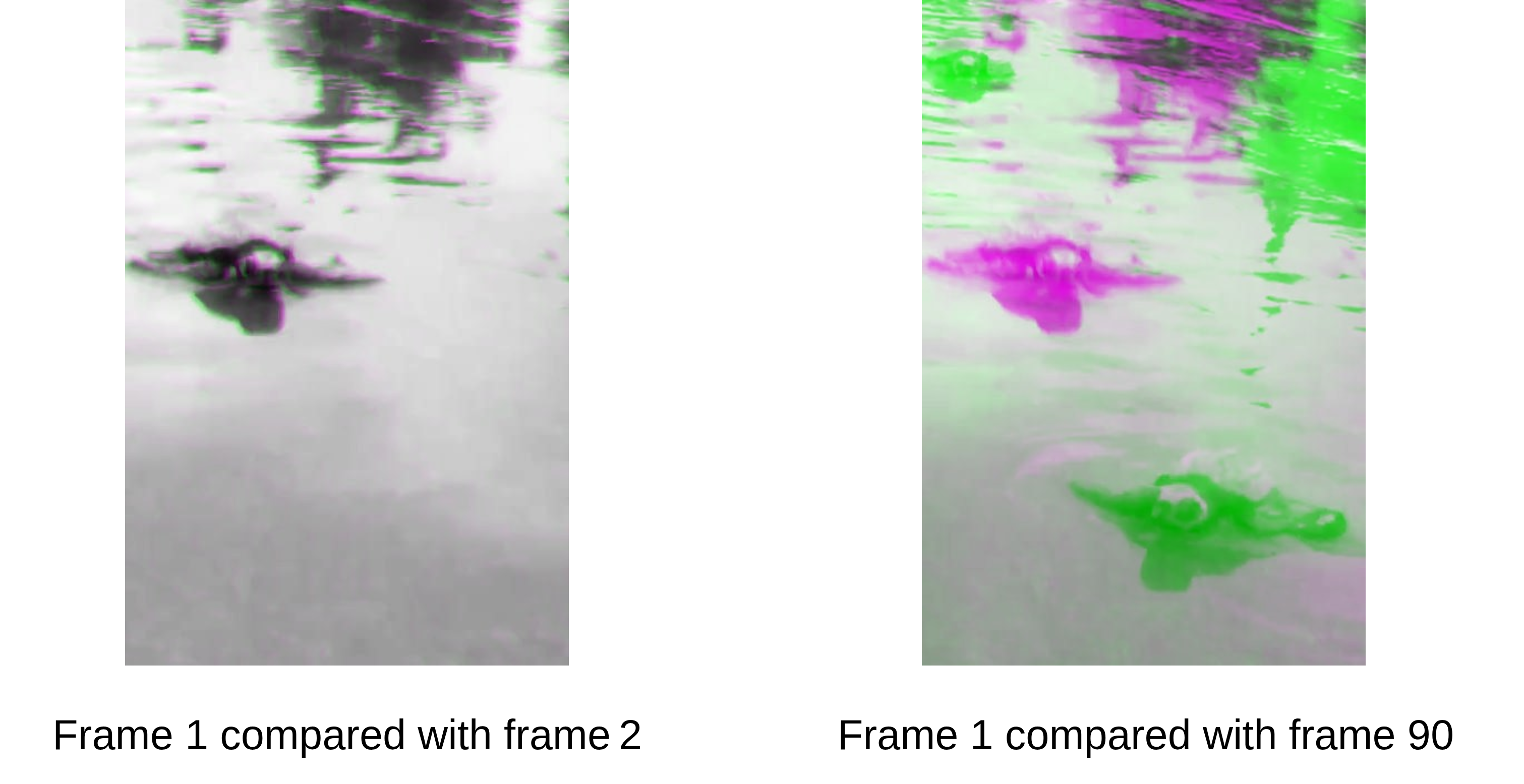
As the turtle moves, its appearance changes. A static reference image will match fewer features in later frames. This is why we need AI models that account for different sizes and positions.